
How Printer Increase Efficiency in the Workplace
Printers make a workplace more efficient when you match the machine to your daily tasks, keep it maintained, and use it in a way that avoids waste and overload. Choosing a multifunction model, printing in black unless color is needed, and running one job type at a time are the changes that save the most time and money.
TL;DR
Most printing slowdowns come from a poor equipment fit, neglected upkeep, or overloading one machine with too many jobs. Pick a printer with the paper sizes and features your team actually uses, and ask a technician before you buy. Cut supply costs by saving color for images and logos, and by reusing paper that is blank on one side for drafts. When a problem goes beyond a quick fix, a local technician is usually faster and cheaper than a third-party contract.
Key takeaways
- A multifunction machine that prints, scans, faxes, and copies can replace several separate devices, which frees up desk space and budget.
- Buying from a local dealer while the warranty is active gives you someone to call for help right away.
- Black output covers letters and documents, so reserve color for images and logos to keep supply costs down.
- Reusing single-sided sheets for internal drafts cuts paper waste, and checking supply levels on a schedule prevents surprise shutdowns.
- Spreading print, copy, scan, and fax jobs across the day, rather than stacking them, lowers the chance of errors that slow the machine down.
When it comes to printing, there can never be a small problem. It takes a minute for the printing process to result disastrously. Printing can never be an out criterion in every workplace. And when it comes to having disastrous printing problems, it can be a great obstacle to achieving accomplished work tasks.
To have a working resolution on this matter, we should acknowledge every difficulty of the task in the printing system. Here are some of the bests how to increase print efficiency in our workplaces.
- Reduce printing with the third party
– When printers are out of control and we do not have the proper resolution to printing problems, we usually get third-party involvement to fix the issues. However, signing third-party contracts does not fix the issues of our printers. So, instead of paying for the outsourcing, why not try to pay a visit with your local technicians?
– Some of the problems with printers do not need professional consultation. If they are still in warranty time, you may ask their service centers to fix the issues. However, if not, local technicians are always available one call away.
- Choosing the right printer is always the key.
– Choose your printer with the appropriate hardware and specs you will need with your daily grind in your office. Before buying them, always seek advice from a technician’s point of view and their recommendations. If possible, choose the right equipment within just your local printing shops. This is for the reason that when warranty days are still available, you can readily ask for their assistance anytime.
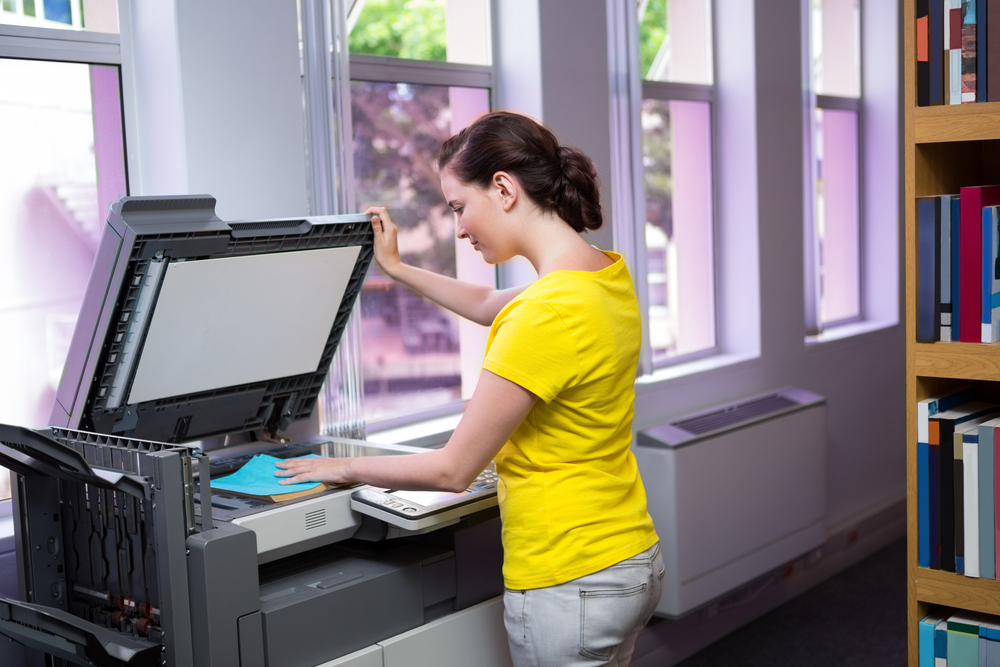
– To get the best printing equipment for your office needs, you should try printers that can offer multi-functionality. These can print, scan, fax, and photocopy different paper sizes. With these features, your office may not need double equipment to do other tasks.
- Reduce waste in inks and papers
– How can you reduce wastage in inks when printing usually involves inks? This can be readily answered through prioritisation. As much as possible, print more often using black inks. Black inks are often used for letters and documents. However, for printing purposes of images and other logos, you should use coloured inks for them.
– It is also the mandatory thing with printers to check their regular ink refills. Though most of the printers may try to inform you about their ink levels, however, it is rightful to check and clean them regularly.
– Different printers may choose different textures and sizes of printers. It is therefore of great importance to choose printers that can print with different sizes and textures of bonds.
– One way to reduce or minimise waste in the paper is by reusing them. You may call them scratch papers that the other page can be used for documents of lesser importance.
In this matter, you can reduce waste and be an advocate of eco-friendly activity in your workplace.
- Do not do overtasking with your printers
– For a managed and organized printing procedure, when printing, do not combine with the photocopying task. The printer equipment may detect errors in the production process and that may hinder their efficiency to perform.
– If possible, when printing, photocopying could be done afterward. And this same goes with faxing and scanning process.
Conclusion
The printer equipment is such a vital piece in every workplace. With the daily involvement of documents and their production, printers are such an inevitable pieces. We must therefore choose the right equipment for our daily work needs and take good care of them with utmost concern.
If you plan to get copiers for your office in Cleveland, you can opt to buy copiers or lease copiers in Cleveland. We can give you the option to get the copier that you want. You can contact our local copier leasing services department in your location.
If your Location is around Cleveland, you may call us at (216) 303-6258, our personnel for copier leasing in Cleveland will assist you. If you are also looking for copier repair services in Cleveland, you may contact our copier repair personnel at the same number.

